

SPACE & LIGHT · SMART LIGHTING
Home Light Automation: Simple Ways to Automate Everyday Lighting
A practical guide to home light automation—using schedules, sensors, scenes and simple routines to make everyday lighting easier without turning the house into a system that constantly needs managing.
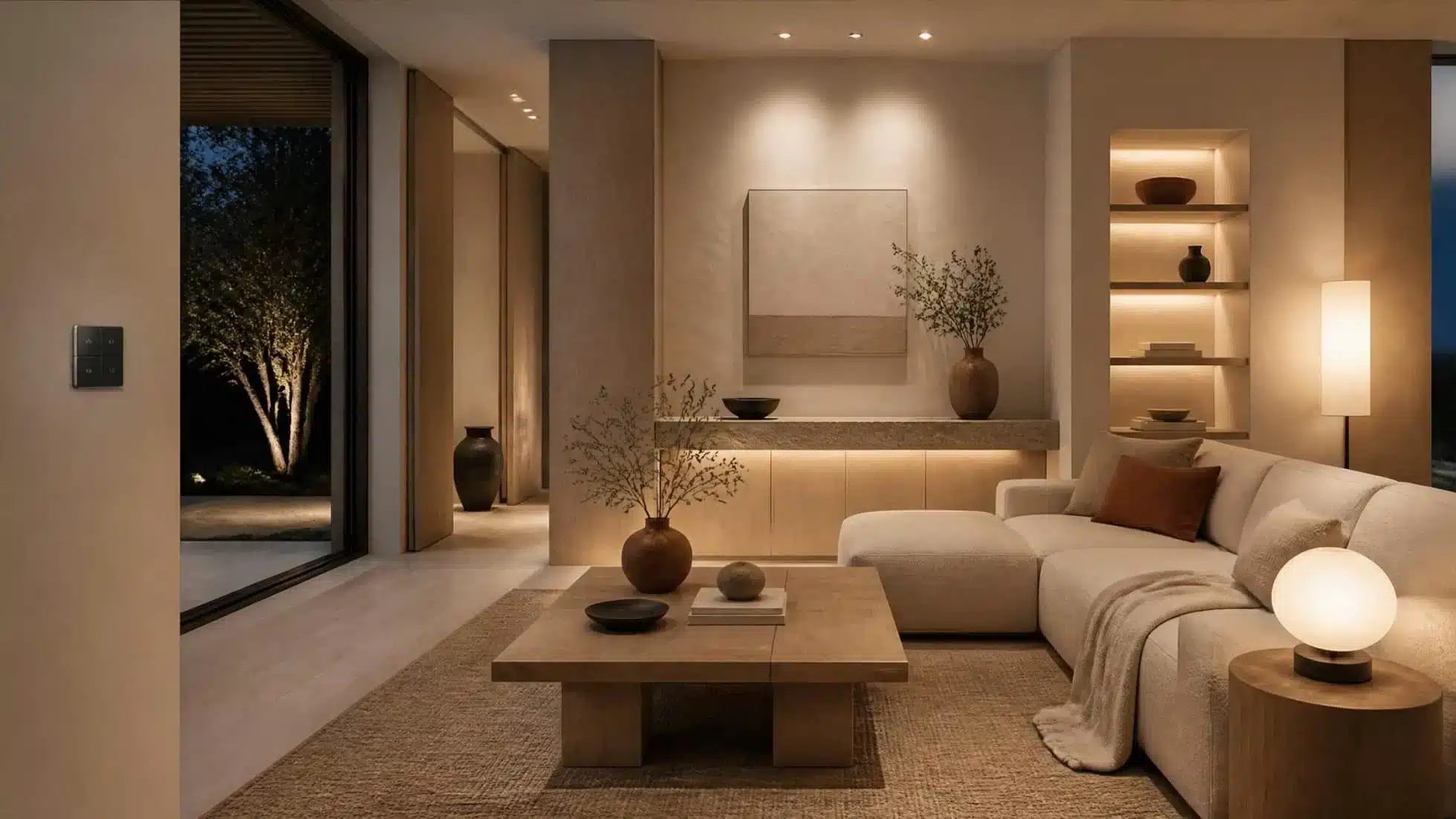
Home light automation is most useful when it removes a small repeated decision: turning exterior lights off after a certain time, bringing a hallway light on after dark, or recalling a familiar evening scene without adjusting several lamps individually.
The goal is not to automate every switch in the house. A good system handles predictable routines while leaving people free to override it easily. If an automation regularly needs correcting, it is probably too complicated or based on the wrong trigger.
For the overall system—bulbs, switches, hubs, wireless controls and interoperability—start with our smart lighting guide. This article focuses specifically on automation: deciding what should happen automatically, when, and how to keep the result practical.
Automation Is Different From Remote Control
Turning a lamp on from an app is remote control. Automation means a rule or trigger changes the lighting without somebody issuing that command at the time.
A schedule that switches exterior lights off at midnight is automation. So is a hallway light responding to motion after dark. A scene button beside the sofa is not fully automatic, but it can still be the better solution if the room is used differently each evening.
Start With a Repeated Routine
The easiest automations to live with are based on behaviour that is already predictable.
- Exterior lights that are needed only after dark.
- A low hallway light used during the night.
- A lamp that comes on shortly before the room is normally occupied.
- Decorative lighting that should switch off at a fixed bedtime.
- A group of evening lamps that are nearly always adjusted together.
Automating an irregular activity usually creates more overrides than convenience. Start with the repeated routine and add technology only where it removes friction.
Use Schedules for Predictable Times
Schedules suit lighting that follows a fairly stable clock. They are simple to understand and easy to test.
A lamp might switch on at the start of a usual evening period and off later at night. A child’s night light might dim at a defined time. Decorative shelf lighting can shut down automatically rather than being left on until morning.
Keep the number of schedules small. If every bulb has its own timetable, small routine changes can become an administration task.
Use Sunset and Sunrise Where Time Changes With the Seasons

For lighting whose purpose depends on darkness rather than the clock, sunset and sunrise triggers can be more useful than fixed times.
An exterior light that comes on shortly after sunset can follow seasonal changes automatically. The same principle can work for a hallway or living-room accent that is only useful once natural light has faded.
Add an offset if the exact astronomical event is not the practical moment you need. The automation should follow how the space is used, not a technical trigger for its own sake.
Motion and Presence: Use Them Selectively
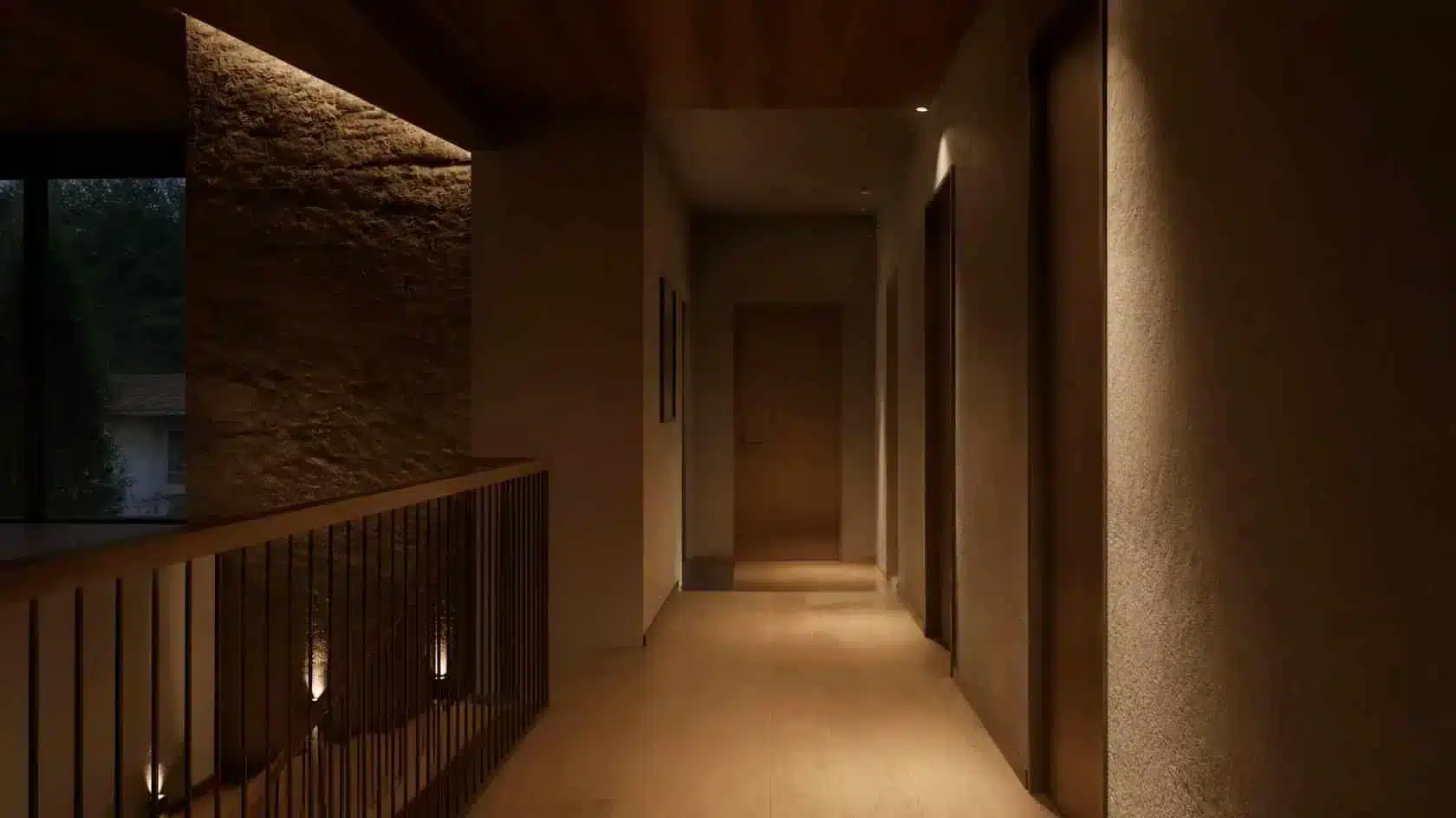
Motion sensors work best in spaces where movement reliably means that light is needed: a hallway, utility space, entrance or exterior route.
They can be irritating in rooms where people sit still for long periods. A living-room light that switches off because nobody moved for ten minutes is not intelligent behaviour from the user’s point of view.
Where the platform supports it, combine motion with other conditions such as time of day or ambient light so a sensor does not bring lights on unnecessarily in daylight.
Scenes Are Often Better Than Full Automation

A scene lets several lights adopt useful settings together without deciding automatically when the room should change.
For a living room, that can be ideal. An “Evening” scene might lower general illumination, keep a reading lamp available and bring on one accent source. A “Guests” scene might lift the overall level slightly. The person in the room chooses the scene, while the system handles the individual adjustments.
Scenes reduce repetitive control without guessing what people want.
Always Keep a Manual Override
Every important automation needs a simple way to be ignored.
A physical switch, wireless button or intuitive wall control lets guests and household members use the room without opening an app. It also gives you a fallback when a schedule is wrong, a sensor is too sensitive or the network is unavailable.
The automation should make the normal case easier, not make the exception difficult.
Living-Room Automation
Living rooms are usually better suited to scenes than aggressive motion automation because their use changes from conversation to reading, television or entertaining.
A useful approach is to automate only the predictable edges of the routine: perhaps an evening scene becomes available or selected lamps come on after dark, while the final brightness and task lighting remain under manual control.
If the room’s lighting layers are not yet settled, our sitting-room lighting guide explains the ambient, task and accent structure to establish before automating it.
Hallways, Landings and Circulation
Circulation spaces are good automation candidates because the requirement is usually simple: enough light to move through safely, for as long as the space is occupied.
A motion-triggered light can use a lower level at night and a brighter level earlier in the evening. A sensible timeout prevents the light remaining on long after the route is empty.
Keep conventional switching available where appropriate, particularly if the sensor coverage is imperfect.
Bedroom Automation
Bedroom automation benefits from restraint. A bedside scene button can often be more useful than a complex presence routine.
A simple bedtime action might switch off selected lights elsewhere, reduce the bedroom lamp and leave a low route light available temporarily. In the morning, a schedule can bring on a gentle lamp if that genuinely suits the household routine.
Avoid making essential bedroom lighting dependent on a phone that may be charging elsewhere.
Kitchen and Utility Lighting
Task lighting in a kitchen should remain reliable and immediate. Automation is often better applied to secondary layers than to the main worktop lighting.
Under-cabinet accent lighting, pantry lighting or utility-room lights can suit sensors or simple schedules. For the primary task lights, familiar wall control may still be the clearest interface.
Exterior Lighting
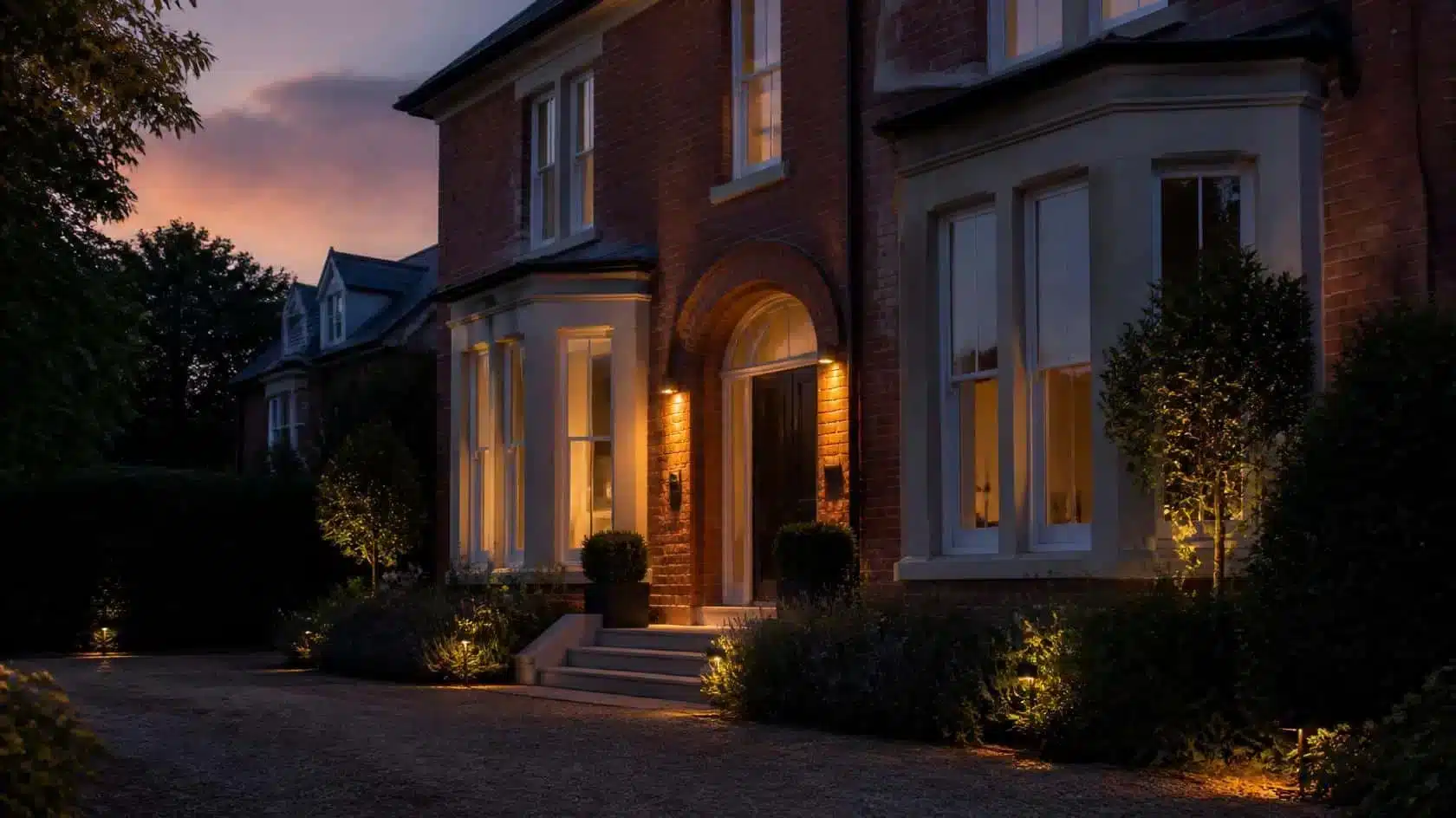
Exterior lighting is one of the clearest places to use automation because darkness and occupancy are relatively easy to define.
The Energy Saving Trust recommends using sensors or timers for external lights so they operate only when needed. A sunset trigger combined with a later switch-off time can also prevent decorative exterior lighting from remaining on throughout the night.
Bulbs, Switches and Light System Control
Automation can live in the bulb, the switch, a hub or the wider smart-home platform. The best location depends on what needs to keep working if one component is unavailable.
For one or two portable lamps, smart light bulbs can be enough. For a permanent ceiling circuit used by everyone, a compatible smart switch or lighting control system may preserve a more familiar wall interface.
Think in terms of light system control rather than collecting individual gadgets. The system should have one understandable logic for scenes, schedules and manual override.
Local vs Cloud Automation
Some automations run locally on a hub, controller or home network. Others depend partly or entirely on a cloud service.
For everyday lighting, local execution can be valuable because the routine may continue even when the internet connection is unavailable. Cloud services can still be useful for remote access and cross-platform features.
Check the specific system rather than assuming all schedules and scenes work the same way offline.
Security and Software Support
Lighting automation is connected technology, so the app, account and software-support period matter.
The UK National Cyber Security Centre advises keeping smart devices updated, using strong passwords, enabling two-step verification where available and disabling remote access when it is not needed. It also recommends checking how long the device will receive support.
National Cyber Security Centre
Do not keep an unsupported connected device in a critical role simply because its lighting automation still appears to work.
Automation and Energy Use
Automation can reduce unnecessary operating time, but it does not make a light source efficient by itself.
The Energy Saving Trust notes that smart bulbs are not likely to save energy simply because they offer app control. The useful energy role for automation is more direct: turn lights off when they are not needed, reduce unnecessary exterior-light operation and avoid leaving decorative layers on by accident.
Efficient LED sources remain the foundation. Automation changes when and how long they operate.
Common Lighting-Automation Mistakes
- Automating irregular behaviour that constantly needs overriding.
- Using motion sensors in rooms where people routinely sit still.
- Creating too many independent schedules to maintain.
- Removing obvious physical controls.
- Automating a poor lighting layout instead of fixing the lighting layers first.
- Assuming every automation continues working without internet access.
- Ignoring account security and software-support periods.
- Using automation where a simple scene button would be clearer.
A Simple Automation Planning Method
- Write down the repeated lighting action.
- Choose the simplest useful trigger: time, sunset, motion, presence or a scene button.
- Add conditions only when they prevent obvious mistakes.
- Keep a manual override.
- Test what happens if the internet or one device is unavailable.
- Run the automation for a week before adding more rules.
- Remove automations that need frequent correction.
Frequently Asked Questions About Home Light Automation
What is home lighting automation?
It is the use of schedules, sensors, scenes or other triggers to change lighting automatically or with fewer individual actions. The control can be built into bulbs, switches, hubs or a wider smart-home platform.
What lights should I automate first?
Start with a predictable repeated task: exterior lights after dark, a hallway route at night or a group of evening lamps that are nearly always adjusted together.
Do I need motion sensors for lighting automation?
No. Schedules, sunset triggers and scene buttons can be more appropriate. Motion is most useful where movement reliably means the light is needed.
Will automated lights work if the internet goes down?
It depends on the system. Locally executed schedules and controls may continue, while cloud-dependent functions may stop until connectivity returns.
Does lighting automation save energy?
It can reduce unnecessary operating time when it reliably switches lights off or limits exterior lighting, but efficient LED sources and sensible use remain more fundamental.
Automate the Routine, Not the Room
The strongest home light automation is usually quiet and limited.
Choose routines that are genuinely predictable, use the simplest trigger that fits them and preserve an obvious manual control. Let scenes handle rooms that need human judgement, and reserve fully automatic behaviour for spaces where the desired action is consistent.
If the system saves a repeated action without creating a new problem to manage, the automation is doing its job.

Leave a Reply