

SPACE & LIGHT · SMART LIGHTING
Smart Lighting: How to Plan a Flexible Lighting System at Home
A practical guide to planning smart home lighting around real rooms and routines—covering bulbs, switches, hubs, wireless controls, scenes, automation, interoperability and what is still worth keeping simple.
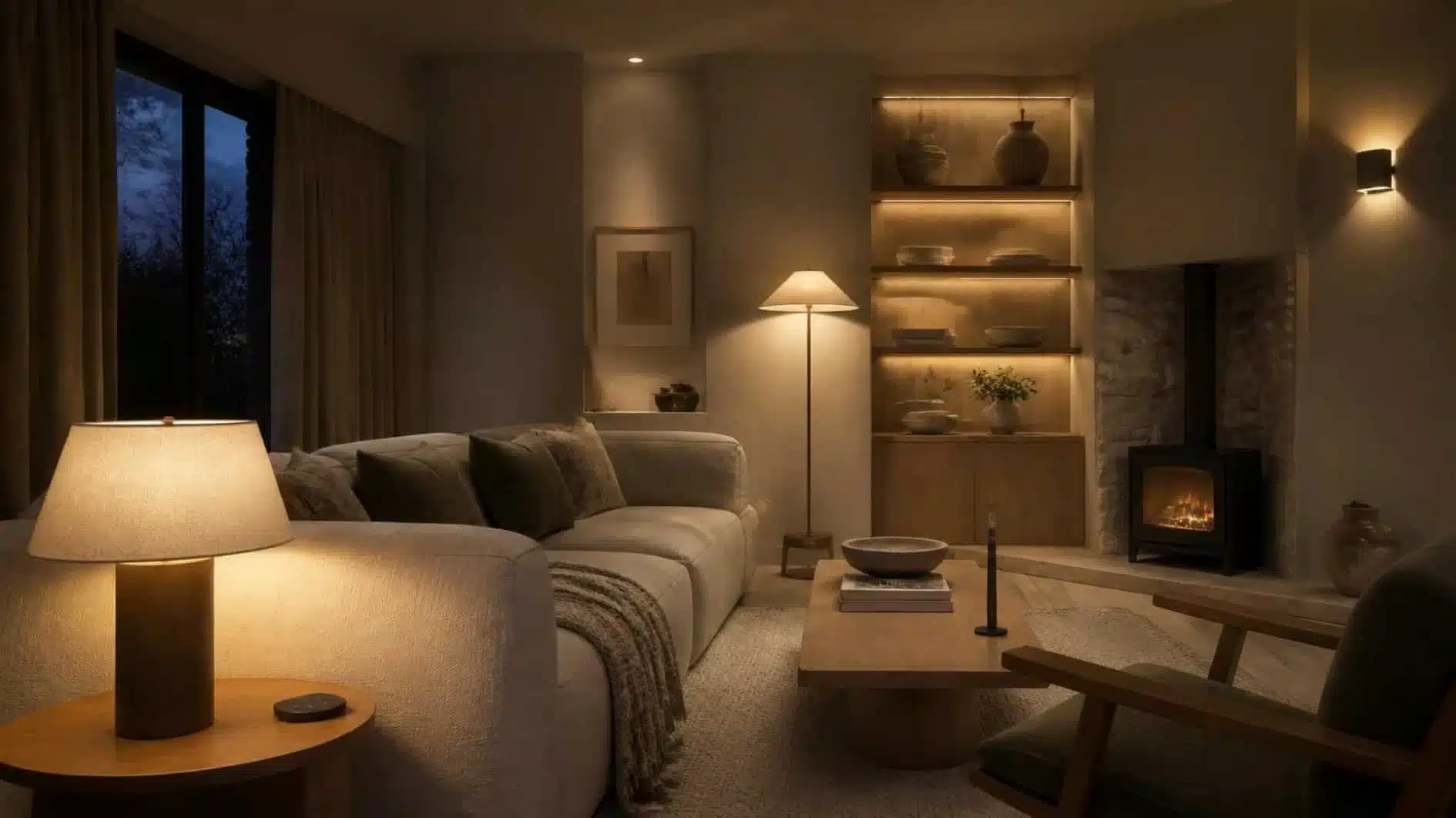
Smart lighting works best when it solves a practical problem: giving you better control of the right lights at the right time. It becomes less useful when every bulb, switch and lamp is connected simply because the technology exists.
A flexible smart home lighting system starts with the room itself. Decide which lights should be ambient, task and accent sources, where conventional wall controls still matter, and which routines are repetitive enough to justify automation. Then choose the smart layer that supports those decisions.
If the underlying lighting scheme is not yet clear, begin with our guide to layered lighting for a sitting room. Automation should sit on top of a useful lighting plan rather than compensate for one that does not work.
What Smart Lighting Actually Is
Smart lighting is lighting that can be controlled through more than a conventional on-off switch. Depending on the system, that may include an app, wireless switch, voice assistant, sensor, schedule, scene or another automation trigger.
The intelligence can sit in different places. A smart bulb contains its own control electronics; our guide to how smart light bulbs work explains that internal process in more detail. A smart wall switch controls a conventional lighting circuit. An integrated smart fitting combines the light source and control system. Larger smart lighting control systems may also use a hub or bridge to coordinate multiple devices.
The best choice depends on whether you are adapting an existing room or planning the electrical layout from the beginning.
Plan the Light Before the Automation
Automation cannot decide where a reading lamp should sit, whether a wall needs more light, or whether the room relies too heavily on one ceiling source. Those are lighting-design questions.
First establish which fittings provide ambient, task and accent light. Then decide how those layers should behave at different times. A useful evening scene might lower the general light, keep a reading lamp available and bring on one or two accent sources. The smart system simply makes that combination easier to recall.
Smart Bulbs, Switches and Integrated Fittings
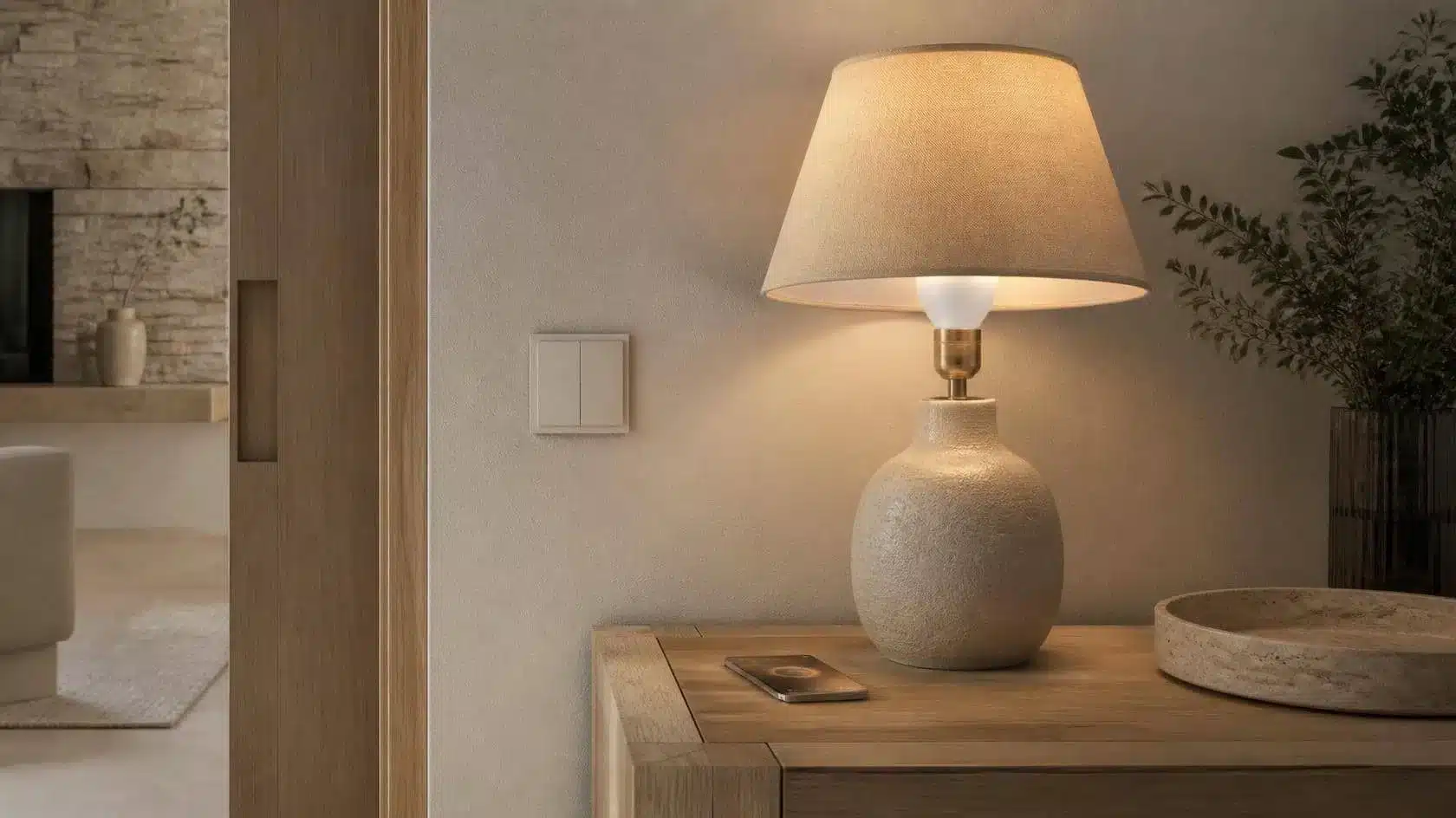
There is no single smart-lighting product type that suits every room.
- Smart bulbs are easy to add to existing lamps and fittings, and can offer dimming or colour control without changing the switch.
- Smart switches or dimmers can keep familiar wall control while adding schedules, scenes or remote operation to a whole circuit.
- Smart plugs can make suitable conventional lamps switchable, though they do not add bulb-level dimming or colour control unless the lamp itself supports it.
- Integrated smart fittings can provide a clean installation but tie the control system more closely to the fitting itself.
Think about replacement and failure as well as features. A replaceable smart bulb is easy to swap; an integrated fitting may require a different repair or replacement path.
Where Wireless Lighting Helps

Wireless lighting control is most useful when it removes a genuine constraint. A wireless switch can add a convenient control point without opening a finished wall, and a portable button can place scene control beside a sofa or bed.
The Energy Saving Trust notes that wireless switches can be useful where an existing light switch is inconveniently located. That is a good model for smart control generally: use it to improve access and flexibility, not simply to replace a perfectly useful physical control.
Do You Need a Hub?

Some smart bulbs connect directly to Wi-Fi or another platform without a dedicated lighting hub. Other systems use a bridge or hub to coordinate bulbs, switches and sensors.
A hub adds another device, but it can also centralise control and reduce the number of individual lighting products that need to communicate directly with the home network. In larger systems, that can make management more consistent.
Before choosing, check whether the system can still perform basic local controls if the internet connection is unavailable. Remote cloud features and local room control are not always the same thing.
Matter and Interoperability
Matter is a smart-home connectivity standard intended to make compatible devices work more consistently across participating ecosystems. The Connectivity Standards Alliance explains that Matter uses familiar technologies including Bluetooth Low Energy for setup and Wi-Fi, Thread and Ethernet for device connectivity.
Matter does not make every product identical, and it does not replace the smart-home platform you already use. It can, however, make interoperability easier when both the device and platform support the relevant features.
The standard also supports bridges, allowing some existing devices that use technologies such as Zigbee or Z-Wave to participate through a compatible bridge rather than being discarded.
Connectivity Standards Alliance — Matter FAQ
Use Scenes to Group Useful Settings

A scene stores a useful combination of lighting settings so several lights can change together.
Instead of adjusting six devices individually, one evening scene might dim the ceiling lights, bring on two lamps and reduce an accent strip. A reading scene could keep the room subdued while increasing one task light.
Name scenes by activity rather than by technology. “Evening”, “Reading” and “Guests” are easier to understand than a list of product names.
Automate Routines, Not Every Action
The strongest automations are predictable. Exterior lights after sunset, a hallway light at a low level after dark, or selected living-room lights at a usual evening time can all remove repetitive actions.
Avoid automating behaviour that changes constantly. If a room is used differently every day, a scene button may be more useful than an elaborate schedule that repeatedly needs overriding.
Good home light automation should reduce decisions, not create another system that needs constant attention.
Keep Manual Controls Available
A guest should not need your phone to turn on a lamp. Nor should a failed internet connection make the room unusable.
Keep intuitive physical controls for everyday functions. Smart switches, wireless buttons and conventional switches can coexist with apps and voice control. In most homes, the best smart lighting controls add options rather than remove familiar ones.
Brightness and Colour Control
Dimming is one of the most useful smart-lighting features because it changes both function and atmosphere without adding another fitting.
Some smart bulbs also allow colour-temperature adjustment or full colour. Treat those features selectively. Warm-to-cool white adjustment can be useful where one fitting serves different daytime and evening roles. Saturated colour effects may be enjoyable occasionally but do not need to define the normal lighting scheme.
Plan Smart Lighting Room by Room
Do not assume every room needs the same degree of automation.
- Living room: scenes and dimming often add more value than complex motion automation.
- Hallway: sensors or schedules can be useful because the route and task are predictable.
- Bedroom: bedside wireless controls can be more useful than voice control for basic evening lighting.
- Kitchen: keep reliable task lighting simple and consider smart control for secondary or decorative layers.
- Exterior: timers and sensors can reduce the need for lights to remain on unnecessarily.
Network and Reliability
Smart lighting becomes frustrating when basic room functions depend on an unreliable connection.
Consider the number of devices, wireless coverage and how the system behaves when the internet is down. If a bridge or hub is required, place it where it can communicate reliably with the lighting network rather than hiding it in the most remote cupboard.
For larger systems, consistency is usually more valuable than collecting unrelated products from many ecosystems simply because each one has an interesting feature.
Security, Accounts and Updates
Connected lighting is still connected technology, so software support matters.
The UK National Cyber Security Centre recommends keeping smart devices updated, using strong passwords, enabling two-step verification where available and disabling remote access when it is not needed. It also advises checking how long a device will receive support before relying on it long term.
National Cyber Security Centre
For lighting, this means looking beyond the bulb specification. The app, account, hub and update policy are part of the product too.
Smart Lighting and Energy Use
Smart control can help turn lights off automatically or reduce brightness, but buying a smart bulb is not automatically an energy-saving measure.
The Energy Saving Trust notes that smart bulbs offer greater control and colour options but are not likely to save energy simply because they are smart. The more fundamental efficiency decision is still using efficient LED lighting and switching lights off when they are not needed.
Automation is most useful for energy when it prevents unnecessary operation—for example, an exterior light that switches off automatically rather than remaining on all night.
Check Compatibility Before Buying
A smart lighting system is only flexible if the parts actually work together.
- Check the bulb base or fitting type.
- Check whether existing wall dimmers are compatible with the smart product.
- Check whether a hub or bridge is required.
- Check the platform or ecosystem you intend to use.
- Check whether the controls you care about work locally, remotely or both.
- Check the manufacturer’s software-support period where it is published.
A short compatibility check before buying is usually easier than rebuilding the system later around one device that only works in isolation.
Common Smart-Lighting Mistakes
- Automating a poor lighting layout instead of fixing the underlying layers.
- Replacing every familiar wall control with an app-only workflow.
- Buying devices before choosing the main ecosystem or control method.
- Mixing several systems without checking interoperability.
- Creating too many scenes and schedules to remember.
- Assuming smart bulbs inherently reduce energy use.
- Ignoring software support, account security and updates.
- Making basic lighting depend entirely on internet access.
A Simple Smart-Lighting Planning Method
- Map the lighting layers first. Decide what each lamp or fitting needs to do.
- Identify repetitive actions. Those are the best automation candidates.
- Choose the main control approach. Bulbs, switches, hub, direct connection or a mixture.
- Keep essential physical controls.
- Check compatibility and support.
- Start with one room. Test scenes and routines before expanding.
- Automate only what remains predictably useful.
Frequently Asked Questions About Smart Lighting
What is smart lighting?
Smart lighting is lighting that can be controlled through connected or automated methods such as apps, wireless switches, scenes, schedules, sensors or voice assistants in addition to conventional controls.
Do smart lights need Wi-Fi?
Not always. Some connect directly over Wi-Fi, while others use technologies such as Thread or Zigbee and may communicate through a hub or bridge. Check the specific product and ecosystem.
Do I need a smart hub for lighting?
It depends on the system. Some products work without a dedicated hub; others use one to coordinate devices and provide local or platform integration.
Is smart lighting worth it?
It can be when it improves control, accessibility or repetitive routines. It is less useful when the smart layer adds complexity to a light that was already easy to control manually.
Does smart lighting save electricity?
Not automatically. Efficient LED sources and switching lights off when unnecessary matter more. Smart controls can help if schedules, sensors or routines genuinely reduce how long lights remain on.
What is the difference between smart lighting and smart home lighting?
In practice, the terms largely describe the same category. “Smart home lighting” emphasises lighting as part of a broader connected-home system, while “smart lighting” can also refer to the lighting devices and controls themselves.
Make the System Disappear Into the Routine
The best smart lighting system does not constantly remind you that it is smart.
Plan the light first, retain useful manual controls, automate predictable routines and choose devices that work together. Start small enough to understand how the system behaves before extending it through the home.
When the technology supports the room rather than competing with it, smart lighting becomes less about apps and more about making good light easier to use.
SMART LIGHTING
Explore Smart Lighting

Leave a Reply