

SPACE & LIGHT · SMART LIGHTING
How Do Smart Light Bulbs Work? A Simple Explanation
A clear explanation of what happens inside a smart bulb, how it receives commands, why some need a hub, what changes when the wall switch is off and how technologies such as Wi-Fi, Thread, Zigbee and Matter fit together.

How do smart light bulbs work? At the simplest level, a smart bulb is still an LED lamp, but it contains extra electronics that allow it to receive digital commands. Those commands can change brightness, colour temperature, colour or timing without somebody physically adjusting the bulb. To put those commands to work around the house, see our guide to home light automation.
The exact route a command takes depends on the product. One bulb may communicate directly over Wi-Fi, another may use Thread, Zigbee or a manufacturer-specific radio system, and another may rely on a hub or bridge before the command reaches the lamp.
If you are deciding whether smart bulbs are useful in your home, our beginner’s guide to smart light bulbs covers features, setup and everyday use. For a whole-home plan, see the broader smart lighting guide. Here, the focus is simply on what is happening behind the scenes.
What Is Inside a Smart Bulb?

A smart bulb combines several systems inside one familiar lamp shape. The precise design varies, but the main parts are usually an LED light source, power electronics, a small controller and a wireless communications component.
- LEDs produce the visible light.
- Driver electronics convert the incoming electrical supply into power suitable for the LEDs.
- A controller interprets commands and adjusts the light output.
- A radio allows the bulb to communicate with a phone, hub, border router or other smart-home device.
Those extra control and communication components are what make the bulb “smart”.
From Mains Power to LED Light
Like an ordinary LED bulb, a smart bulb receives electricity from the lamp holder. The internal driver conditions that power for the LEDs, which operate differently from an older incandescent filament.
When the smart bulb is switched on at the wall, a small amount of its electronics remains active so it can listen for commands. The controller then tells the LED driver how much light to produce and, where supported, which white tone or colour to create.
The Controller Inside the Bulb
The controller is effectively the decision-making part of the bulb. It receives instructions from the communications system and translates them into lighting behaviour.
A command might be as simple as “turn on”, or it might contain a brightness level, colour-temperature value or RGB colour. The controller passes the appropriate instructions to the LED-driving circuitry.
How a Wireless Command Reaches the Bulb
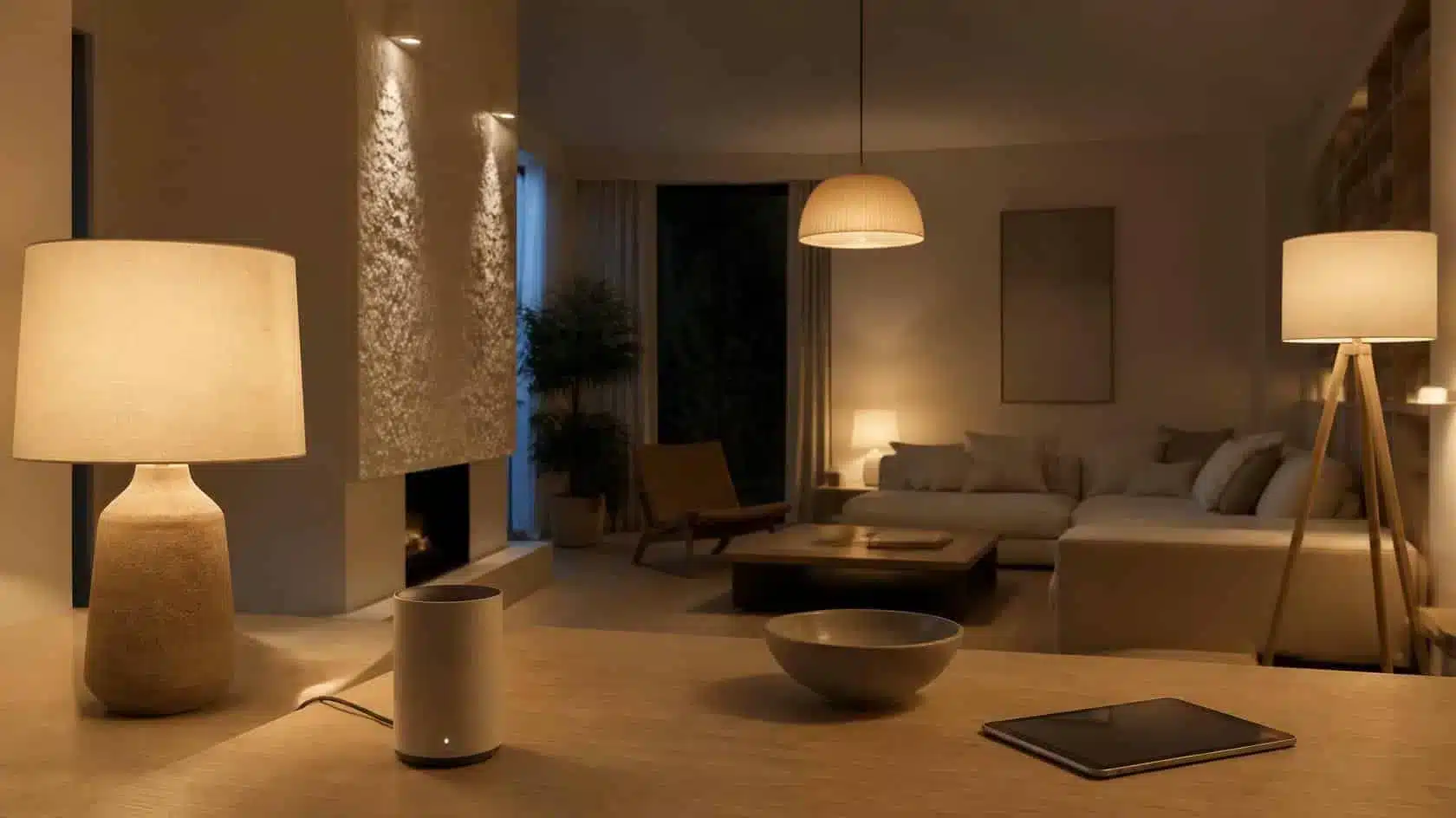
When you tap a control in an app or press a wireless scene button, the command travels through whatever network the lighting system uses.
In one system, the phone may send a command through the home Wi-Fi network directly to the bulb. In another, the phone talks to a hub, which then communicates with the bulb using a different radio protocol. In a Thread-based system, the command can travel across an IP-based mesh network through compatible devices and a Thread Border Router.
The route can be different, but the final step is the same: the bulb receives a digital instruction and changes its LED output.
How Wi-Fi Smart Bulbs Work
A Wi-Fi smart bulb joins the home network much like another connected device. Once configured, it can receive commands through its app or compatible smart-home platform.
The attraction is simplicity: for a small number of bulbs, a separate lighting bridge may not be required. The trade-off is that every direct Wi-Fi bulb becomes another device on the home network, so reliability depends partly on Wi-Fi coverage and the product’s software design.
How Hub and Mesh-Based Bulbs Work
Some lighting systems use a dedicated hub or bridge. The hub connects the lighting network to the rest of the home network and acts as a coordinator for bulbs, switches and sensors.
Technologies such as Zigbee have commonly been used this way. Always-powered devices can also participate in mesh networks, allowing commands to travel through more than one device rather than relying on every bulb reaching one distant controller directly.
A hub adds hardware, but in larger lighting systems it can make device organisation and local control more consistent.
How Thread Fits In
Thread is an IP-based, low-power mesh networking technology designed for connected-home devices. The Thread Group describes it as a secure, self-healing mesh in which compatible powered devices can help route traffic and extend coverage.
A Thread Border Router connects the Thread network to the wider IP network. It is not the same thing as a proprietary lighting hub: the border-router role is about connecting the Thread mesh to other IP networks.
Thread Group — Smart Home Connectivity with Thread
What Matter Does—and Does Not Do
Matter sits at a different layer from the radio technology itself. The Connectivity Standards Alliance describes Matter as a smart-home protocol that can use Wi-Fi, Thread and Ethernet for device connectivity, with Bluetooth Low Energy used during setup.
That means a Matter-compatible smart bulb may communicate over Wi-Fi or Thread while Matter defines how compatible smart-home platforms understand and control it.
Matter does not make all hardware identical, and manufacturer-specific features may still differ. It is primarily about improving interoperability between compatible devices and platforms.
Connectivity Standards Alliance — Matter FAQ
What Happens During Pairing?
Pairing introduces the bulb to the system that will control it. Depending on the product, this may involve scanning a code, putting the bulb into a pairing mode, using Bluetooth during initial setup or allowing a hub to discover the device.
During that process, the system establishes the information needed to identify the bulb and communicate with it securely. Once paired, the bulb can be named, assigned to a room and included in scenes or automations.
How Smart Bulbs Dim
A smart bulb usually performs its own electronic dimming internally. The control system sends a brightness value, and the bulb’s electronics reduce or increase the LED output accordingly.
This is why many smart bulbs should not be connected to a conventional wall dimmer unless the manufacturer specifically supports it. The smart bulb normally expects a stable supply and manages brightness itself.
How Adjustable White and Colour Work

An adjustable-white bulb contains LED channels with different white characteristics. By changing the balance between those channels, the controller can make the output appear warmer or cooler.
A full-colour bulb adds additional LED channels. The controller mixes their output in different proportions to produce a wide range of colours as well as useful white light.
The quality of the white light still matters. A bulb that can produce thousands of colours is not necessarily better at producing the warm white you use every evening.
How Scenes and Automations Reach the Bulb
A scene is essentially a stored set of instructions. One evening scene might tell several bulbs to switch on at different brightness levels and colour temperatures.
An automation adds a trigger. That trigger could be a time, sunset, a button press, a sensor event or another condition supported by the platform. When the trigger occurs, the controller sends the stored commands to the relevant bulbs.
The automation may run locally on a hub or controller, in a cloud service, or through a combination of the two depending on the system.
Local Control vs Cloud Control
Local control means the command can be processed within the home network. Cloud control sends some part of the request through an internet service before the bulb responds.
Cloud services can make remote access and cross-platform integrations easier, but local control has an obvious advantage for basic room functions: it can continue working even when the internet connection is unavailable, provided the local system is designed that way.
Before choosing a system, check what actually works locally. “Works with an app” does not by itself tell you whether the app requires an external service for everyday commands.
Why the Wall Switch Usually Needs to Stay On
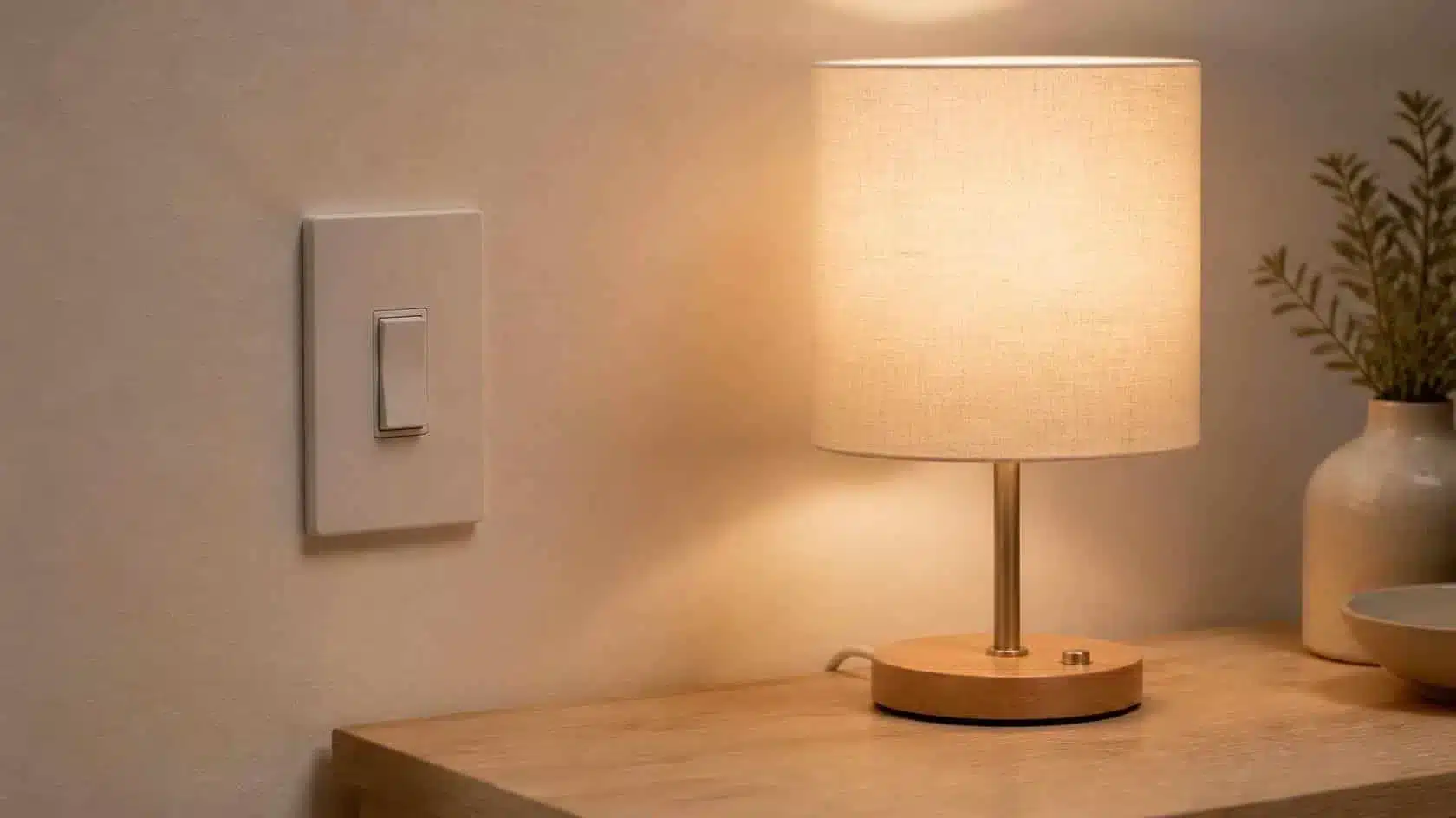
A smart bulb needs electrical power for its controller and radio to remain available. Turning off the wall switch cuts that power, so the bulb can no longer receive wireless instructions.
Once the wall switch is turned back on, the bulb starts its electronics again and reconnects to the relevant network or controller. What light level it returns to depends on the product’s power-restoration settings.
What Happens if the Internet Goes Down?
There is no universal answer because smart bulbs are designed differently.
A system with local control may continue to respond to physical wireless switches, local scenes or commands within the home network. Features that depend on cloud services—such as some forms of remote access—may stop until connectivity returns.
The distinction matters more than the marketing label. Ask whether the specific controls you use every day remain available locally.
Security and Software Updates
Because the bulb or its hub is connected technology, software support and account security form part of the lighting system.
The UK National Cyber Security Centre recommends keeping smart devices updated, using strong passwords, enabling two-step verification where available and checking how long a product will receive support.
National Cyber Security Centre
Those steps do not change how the LEDs produce light, but they do affect whether the connected controls remain a sensible part of the home over time.
Frequently Asked Questions About How Smart Bulbs Work
Do smart light bulbs need electricity all the time?
They need power whenever they are expected to receive smart commands. If the wall switch cuts power completely, the controller and wireless radio inside the bulb cannot respond.
Do smart bulbs work without a hub?
Some do. Direct-connect products may use Wi-Fi or another supported connection, while other bulbs are designed to work through a hub, bridge or compatible controller.
Do smart bulbs work without the internet?
Some functions can, provided the system supports local control. Cloud-dependent features may be unavailable until the internet connection returns.
How does a smart bulb change colour?
Colour-capable bulbs contain multiple LED channels. Their internal controller changes the relative output of those channels to create different colours or white tones.
Does Matter replace Wi-Fi, Thread or Zigbee?
No. Matter is a smart-home application protocol that can run over network technologies such as Wi-Fi, Thread and Ethernet. Other technologies can also participate through compatible bridges.
The Simple Version
A smart bulb works by combining an LED light source with a small computer and a wireless connection.
Electricity powers the bulb. The radio receives a command. The controller interprets it. The driver adjusts the LEDs. Everything else—apps, hubs, scenes, Matter and automation—is part of the route that helps the right command reach the bulb.
Once that distinction is clear, smart lighting becomes easier to understand: the bulb still makes light, while the connected system decides when and how it should do so.

Leave a Reply